

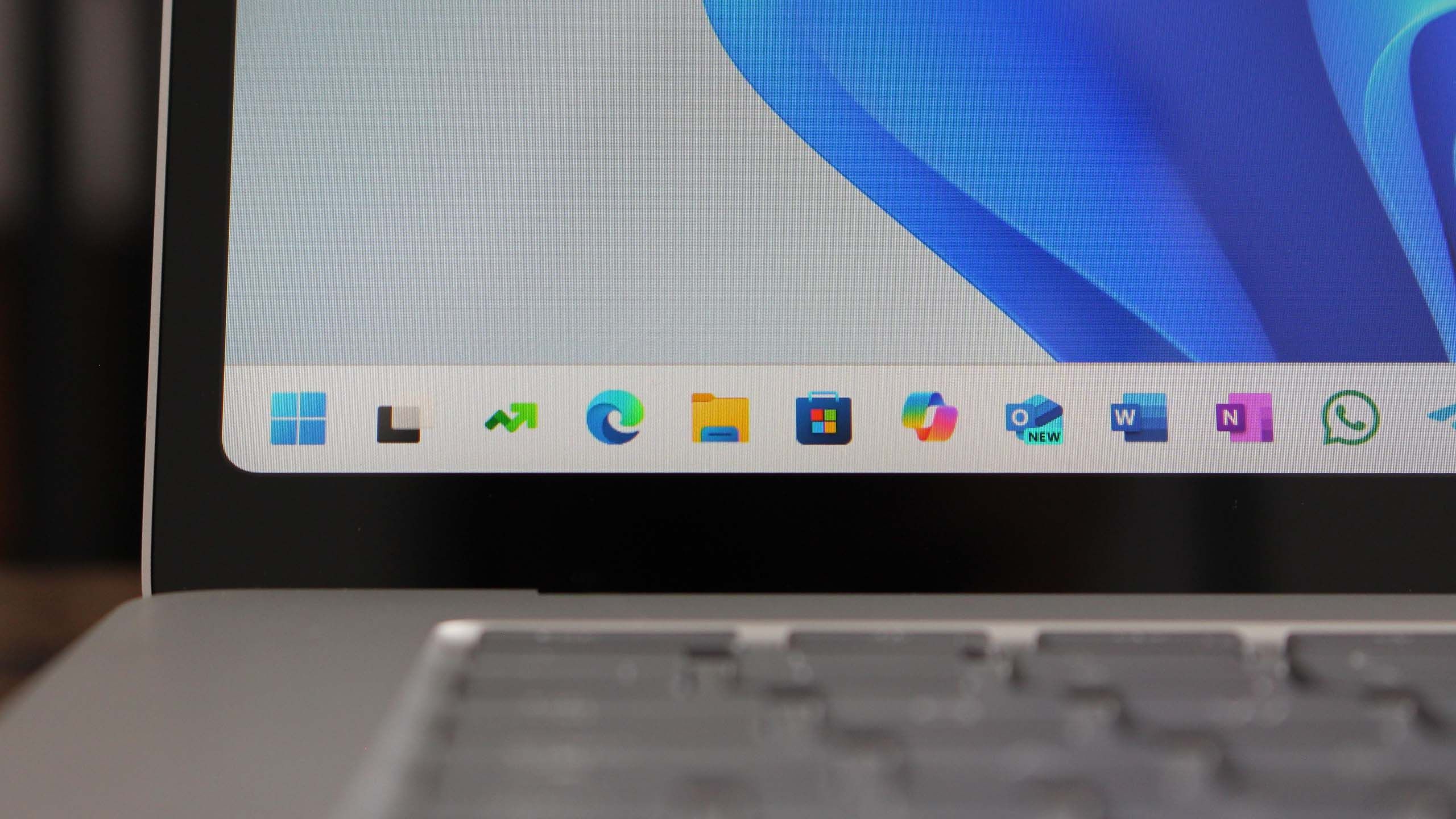
Introduction to Windows 11 Version 25H2
Microsoft has officially launched Windows 11 version 25H2, the latest update to its operating system. This version brings several enhancements aimed at improving user experience, performance, and security. As users explore the new features, it's essential to understand what this update entails and how it can benefit them.
New Features in Windows 11 Version 25H2
One of the most significant updates in version 25H2 is the enhanced performance optimization. Microsoft has worked on improving system responsiveness, ensuring that applications load faster and run more smoothly. This is particularly beneficial for users with older hardware, as it allows them to maximize their system's capabilities.
Visual Enhancements
Alongside performance improvements, Windows 11 version 25H2 introduces several visual enhancements. The user interface has been refined, providing a more cohesive and modern aesthetic. New themes and wallpapers have been added, giving users more options to personalize their desktops.
Improved Taskbar and Start Menu
The taskbar and Start Menu have received significant updates, making navigation easier and more intuitive. Users can now customize their taskbar more extensively, allowing for quicker access to frequently used applications and settings. The Start Menu has also been streamlined, with better organization of apps and settings for a more efficient user experience.
Security and Privacy Enhancements
With each update, Microsoft emphasizes security, and version 25H2 is no exception. This update includes improved security features that protect users from emerging threats. Enhanced Windows Defender capabilities provide better real-time protection against malware and other cyber threats, ensuring that users can browse and work with confidence.
Privacy Controls
In addition to security, version 25H2 has introduced more robust privacy controls. Users can now manage their data collection preferences more transparently, allowing for greater control over what information is shared with Microsoft and third-party applications.
Performance and Gaming Improvements
For gamers, Windows 11 version 25H2 brings several performance enhancements tailored to improve the gaming experience. The update optimizes resource allocation, ensuring that games run smoother with reduced latency. Furthermore, support for DirectStorage technology has been enhanced, allowing for faster loading times and improved graphics performance in supported titles.
New Gaming Features
Additionally, new gaming features have been incorporated, such as Auto HDR, which automatically enhances the visual quality of games that support HDR. This makes for a more immersive gaming experience, providing deeper colors and better contrast.
How to Upgrade to Windows 11 Version 25H2
Upgrading to Windows 11 version 25H2 is a straightforward process. Users can check for updates through the Windows Update settings. It is recommended to back up important files before proceeding with the upgrade to ensure that data is not lost during the installation process.
Conclusion
Windows 11 version 25H2 represents a significant step forward for Microsoft's operating system. With its focus on performance, security, and user experience, this update is poised to enhance how users interact with their devices. Whether for personal use or gaming, the improvements made in this version are designed to provide a smoother, more efficient, and enjoyable computing experience.
Source: Windows Central News